
Did you know that you can now make animated vector graphics for the web? In this tutorial, we’ll be using Inkscape to draw a clock and Snap.svg to animate it to the actual time!
If you don’t have any Snap.svg experience, I highly recommend reading the Snap.svg Animation Tutorial for Beginners.
The Final Result
1. Creating the Clock
Step 1
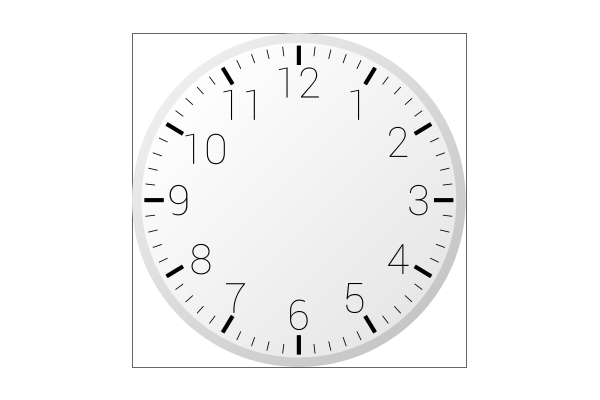
First we should draw the fancy stuff like the clock border, measurement lines, and background. I’ve followed the exact technique from my tachometer tutorial, so this should be fairly easy to do.
Step 2
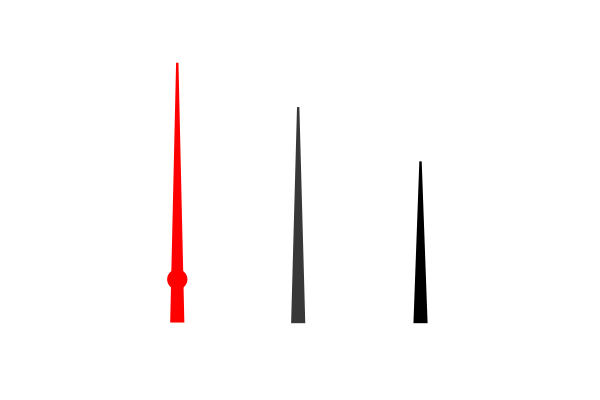
I have my second, minute, and hour needles below. I’ve also assigned an ID/Label for each one, of course.
Step 3
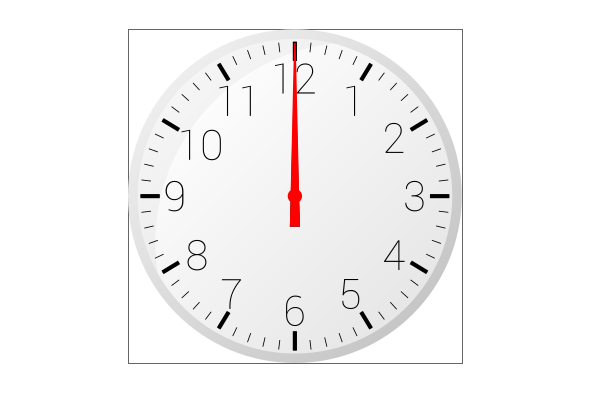
Then I just centered all of the needles accordingly and kept them pointed at the 12 mark. Now we need to Save as a Plain SVG for the upcoming scripting.
2. Animating the Clock
Step 1
First up is the first part of our Javascript. Below, we’re just starting up Snap, adding the needles, running the upcoming animation function, and appending to the HTML.
|
1 2 3 4 5 6 7 8 9 10 11 12 13 |
window.onload = function () { var s = Snap("#clockDiv"); Snap.load("clock.svg", function(f) { //Add SVG elements second = f.select("#second"); minute = f.select("#minute"); hour = f.select("#hour"); //Run animation function for the first time animateTime(); //Append SVG to DIV s.append(f); }); }; |
Step 2
The second part of our Javascript is the actual animating. You’ll notice that the script below is fully commented for your convenience.
|
1 2 3 4 5 6 7 8 9 10 11 12 13 14 15 16 17 18 19 20 |
function animateTime() { //Get the current time var timeNow = new Date(); var hours = timeNow.getHours(); var minutes = timeNow.getMinutes(); var seconds = timeNow.getSeconds(); //Move second needle halfway second.transform('r' + (seconds*6-3) + ',200,200'); //Animate the second needle the rest of the way second.animate({transform: 'r' + (seconds*6) + ',200,200'}, 500, mina.elastic); //Move minute needle minute.transform('r' + (minutes*6) + ',200,200'); //Only animate the minute needle when the minute changes if(seconds == 0){minute.transform('r' + (minutes*6-3) + ',200,200'); minute.animate({transform: 'r' + (minutes*6) + ',200,200'}, 500, mina.elastic);} //Allow the hour needle to move accordingly when the minutes change hour.transform('r' + ((hours*30)+(minutes/2)) + ',200,200'); //Repeat this entire function every 1 second setTimeout("animateTime()", 1000); } |
Step 3
Below is my running HTML which is simply the DIV which holds the clock. If I do say so myself, this is amazing!
That’s It!
The end result for this animated, working clock is one of my favorites ever. I love the concept of an actual usable vector graphic on the web, and this does just that. Hopefully this gets you started with some of your own neat Snap.svg ideas. If you’re interested, you can check out this Inkscape animation tutorial as well. Thanks for reading!